Managing endpoints
This page covers the day-to-day endpoint actions in the dashboard: creating one, moving the selection, and deleting one. For the concept behind them — names, targets, URLs — see Endpoints.
Creating an endpoint
Press n. The New endpoint form opens.
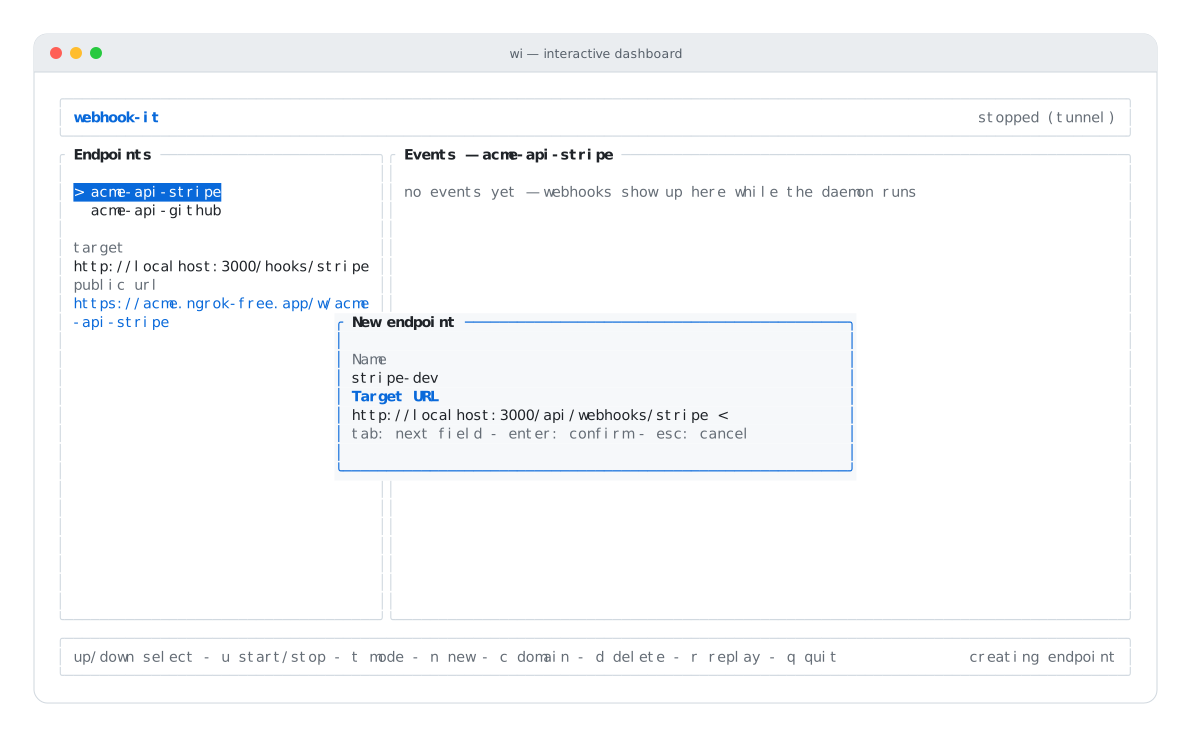
The new-endpoint form — Name and Target URL.
It has two fields:
| Field | What to enter | Example |
|---|---|---|
| Name | A path-safe slug — see naming rules. | stripe-dev |
| Target URL | A valid URL where events are forwarded. | http://localhost:3000/webhook |
- tab — move between the fields.
- enter — create the endpoint.
- esc — cancel.
Validation
The form validates on submit and stays open with an error if anything is wrong:
| Error | Cause |
|---|---|
| use only letters, numbers, '-' or '_'… | The name is not a valid slug. |
| target is not a valid URL | The target does not parse as a URL. |
| endpoint '<name>' already exists | An endpoint with that name is already stored. |
Fix the field and press enter again. On success the new endpoint appears in the Endpoints pane and the footer confirms it.
:::tip Provisioning many endpoints at once
Creating endpoints one by one is fine for a couple. For a whole project, declare
them in a .webhook-it.json and run wi apply
— it creates them all in one go.
:::
Selecting an endpoint
Move the selection with ↑ / ↓ (or k / j). The selected endpoint:
- is highlighted in the Endpoints pane;
- shows its target and public url below the list;
- drives the Events pane, which shows only that endpoint's events.
Selecting is how you move between providers — pick stripe-dev to watch its
feed, then github-app to watch that one.
Deleting an endpoint
Select the endpoint and press d. A confirmation appears:
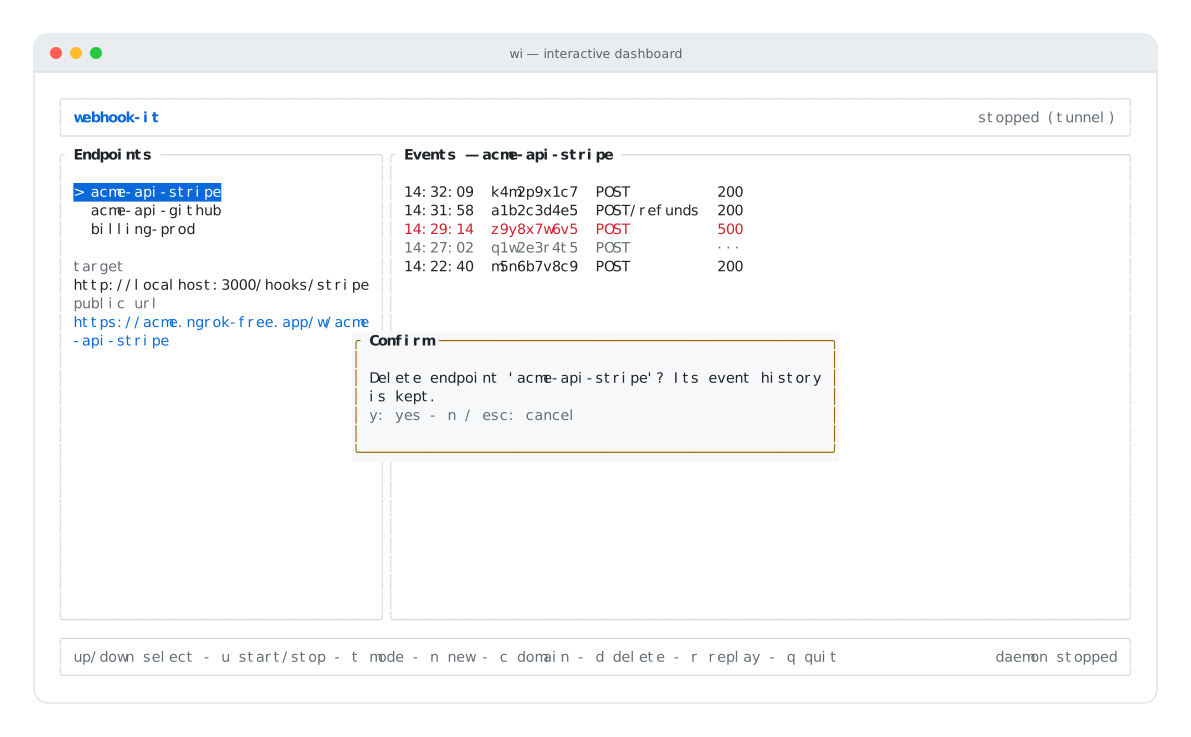
Deleting an endpoint asks for confirmation — and keeps the event history.
- y — delete it.
- n or esc — keep it.
:::note Deletion keeps the events Deleting an endpoint removes only the endpoint. Its events stay in the database. Recreate an endpoint with the same name later and its history reappears. See Endpoints — deleting. :::
If no endpoint is selected (the list is empty), d simply reports no endpoint to delete.
Editing an endpoint
There is no in-dashboard "edit" action for an endpoint's target. Two paths to change one:
- Project-managed endpoints — change the
targetin.webhook-it.jsonand runwi apply. The endpoint is updated in place (~), and its event history is kept. This is the recommended way. - Hand-created endpoints — delete it (d) and recreate it (n) with the new target. The events survive the delete, so the history is preserved.
Next
- The daemon — start it so your endpoints get a URL.
- Project config — manage endpoints in a file.
- Endpoints — the underlying concept.